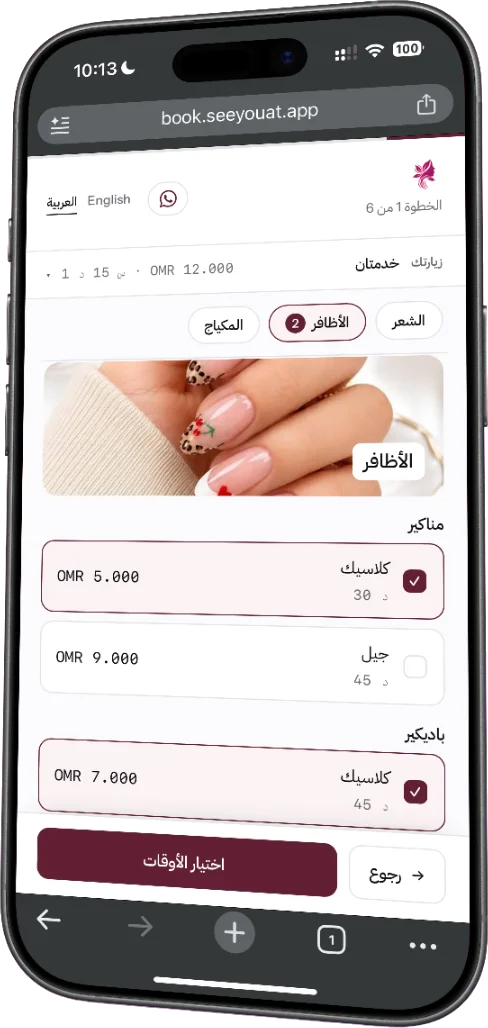
01 · Booking page
Several services, one visit.
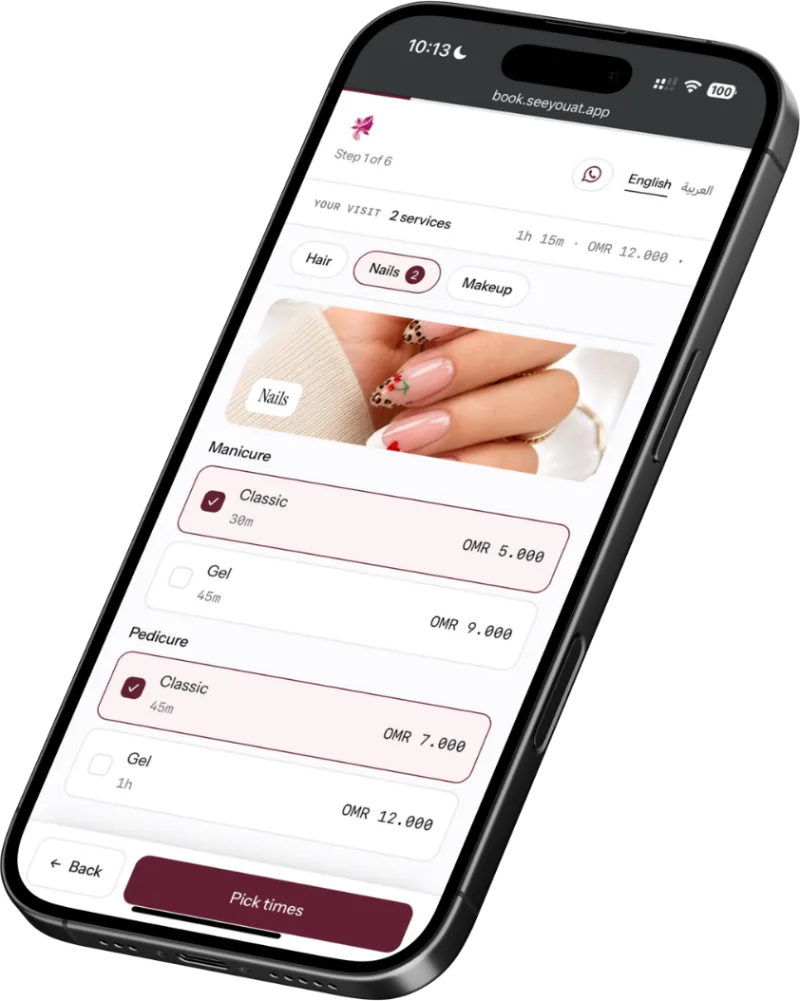
Customers pick a manicure and a pedicure together, see the total time and price, and book with their phone number. No account, no password.
02 · Processing gap
The colour is setting. Book someone in.
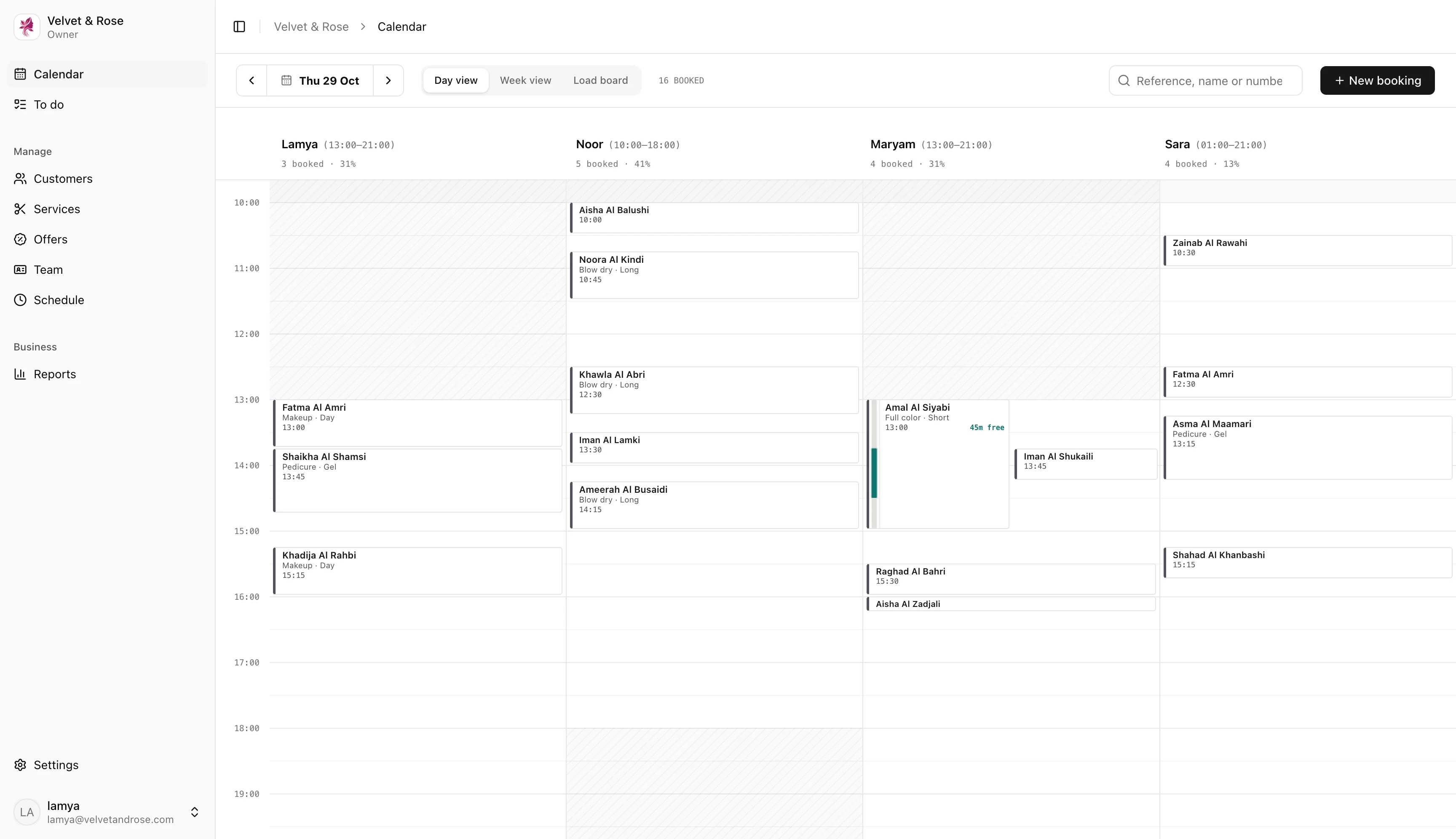
The calendar marks the wait inside a service, and the stylist takes another client during it. Here, Iman is booked into the 45 minutes Amal’s colour needs.
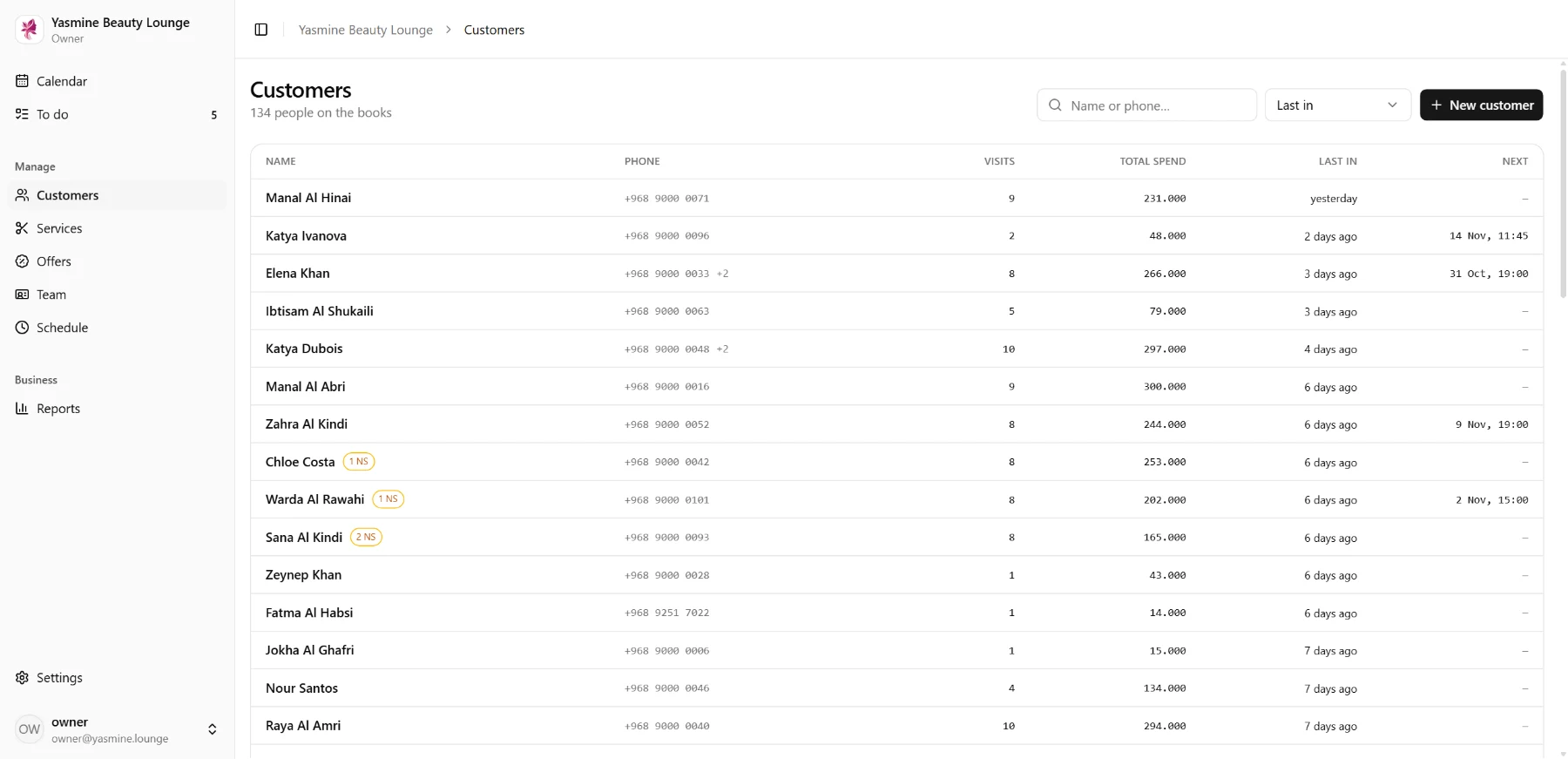
03 · No-show count
Know who doesn’t turn up.
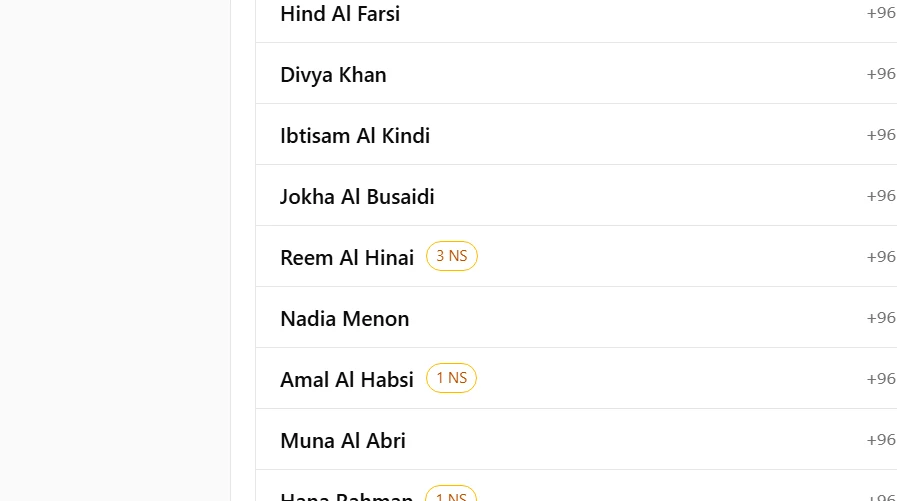
Every customer carries their no-show count, so you see it when you take a booking.
04 · English and Arabic
Every screen in both languages.
نشوفك في
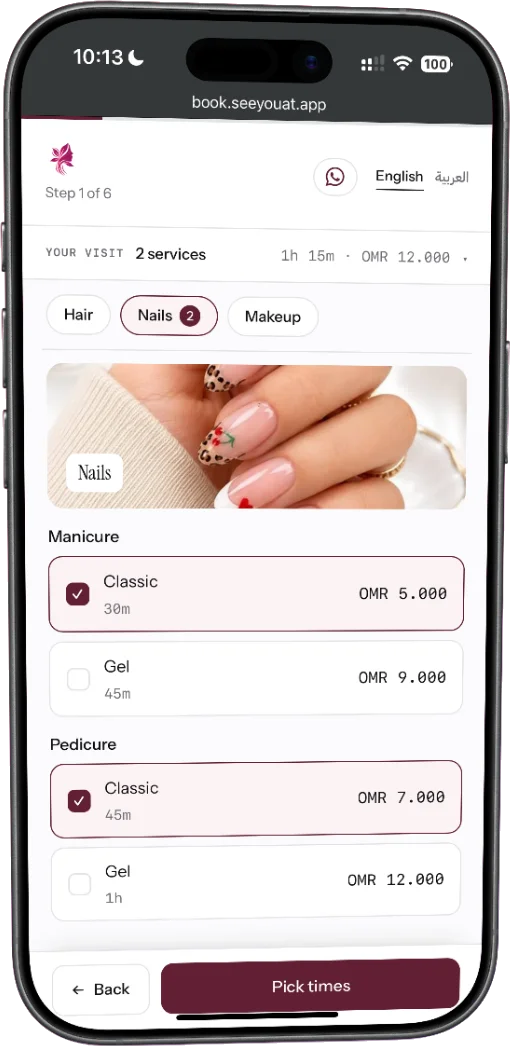
Customers switch with one tap. Arabic is laid out right to left, with times and prices kept readable.
The dashboard
Where each part of the day lives.
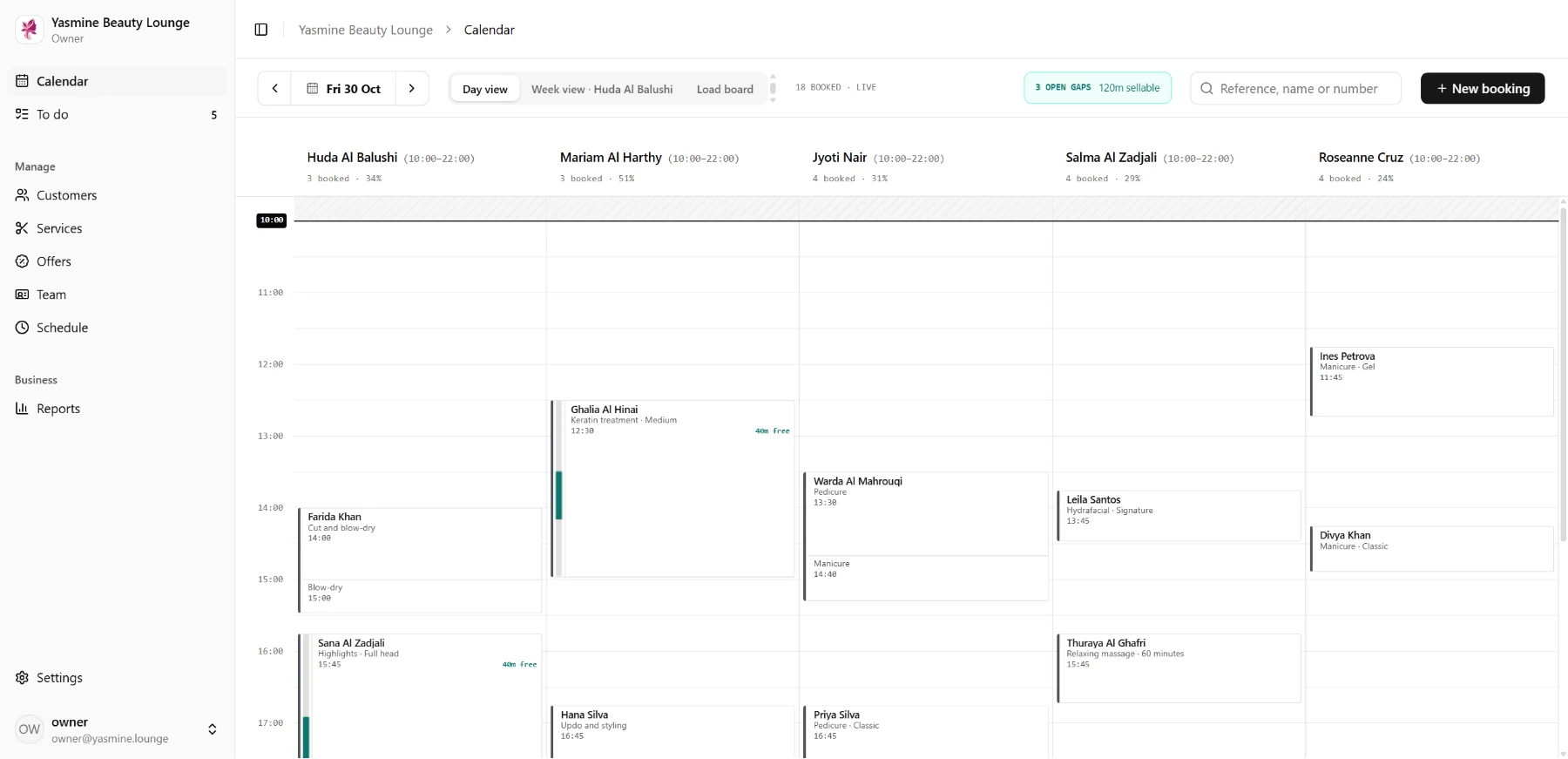
01Calendar
The day by stylist, the week, and the load board.
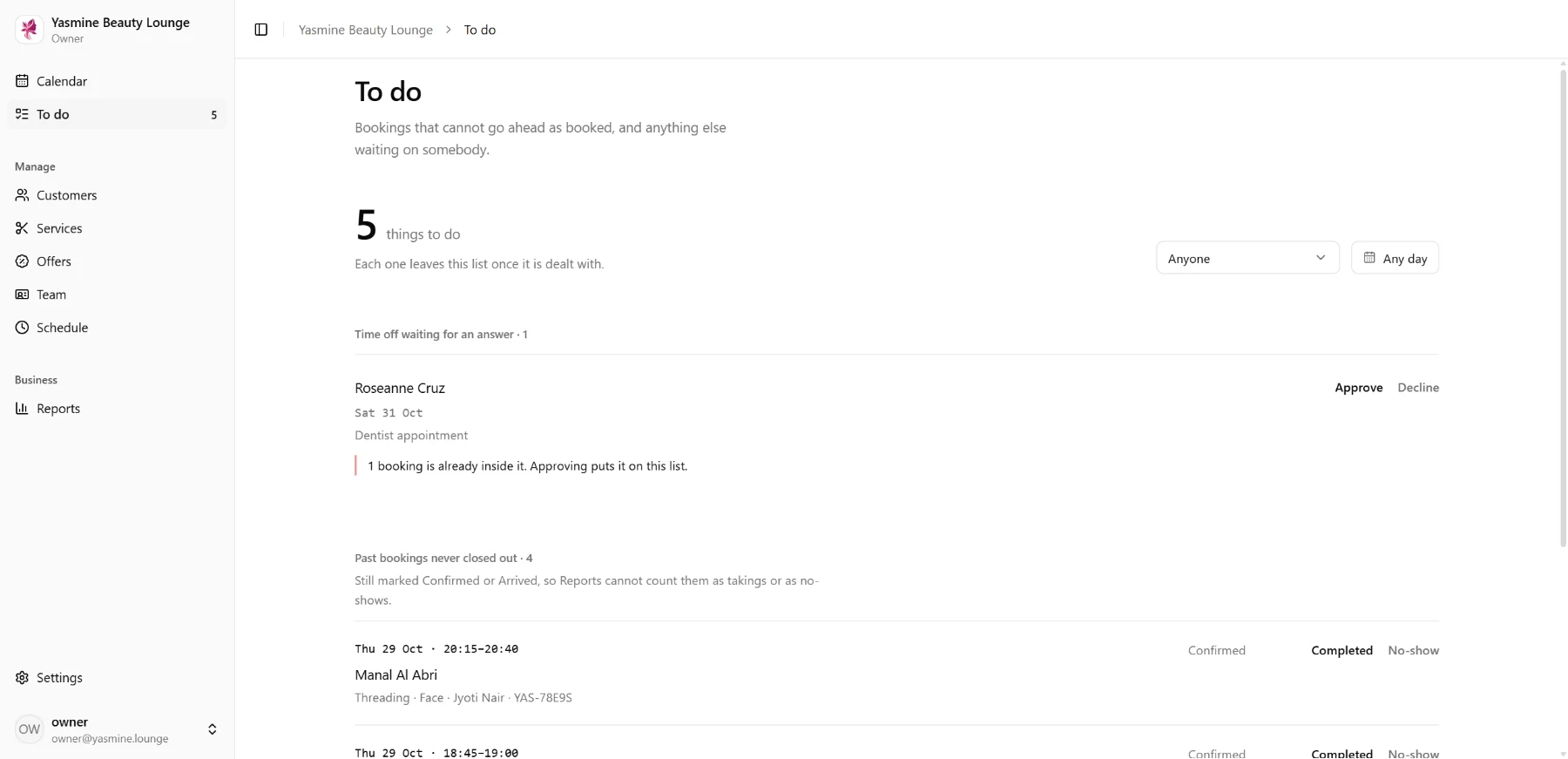
02To do
Time off waiting for an answer, and anything else waiting on you.
03Customers
Every client with their visits, notes and no-shows.
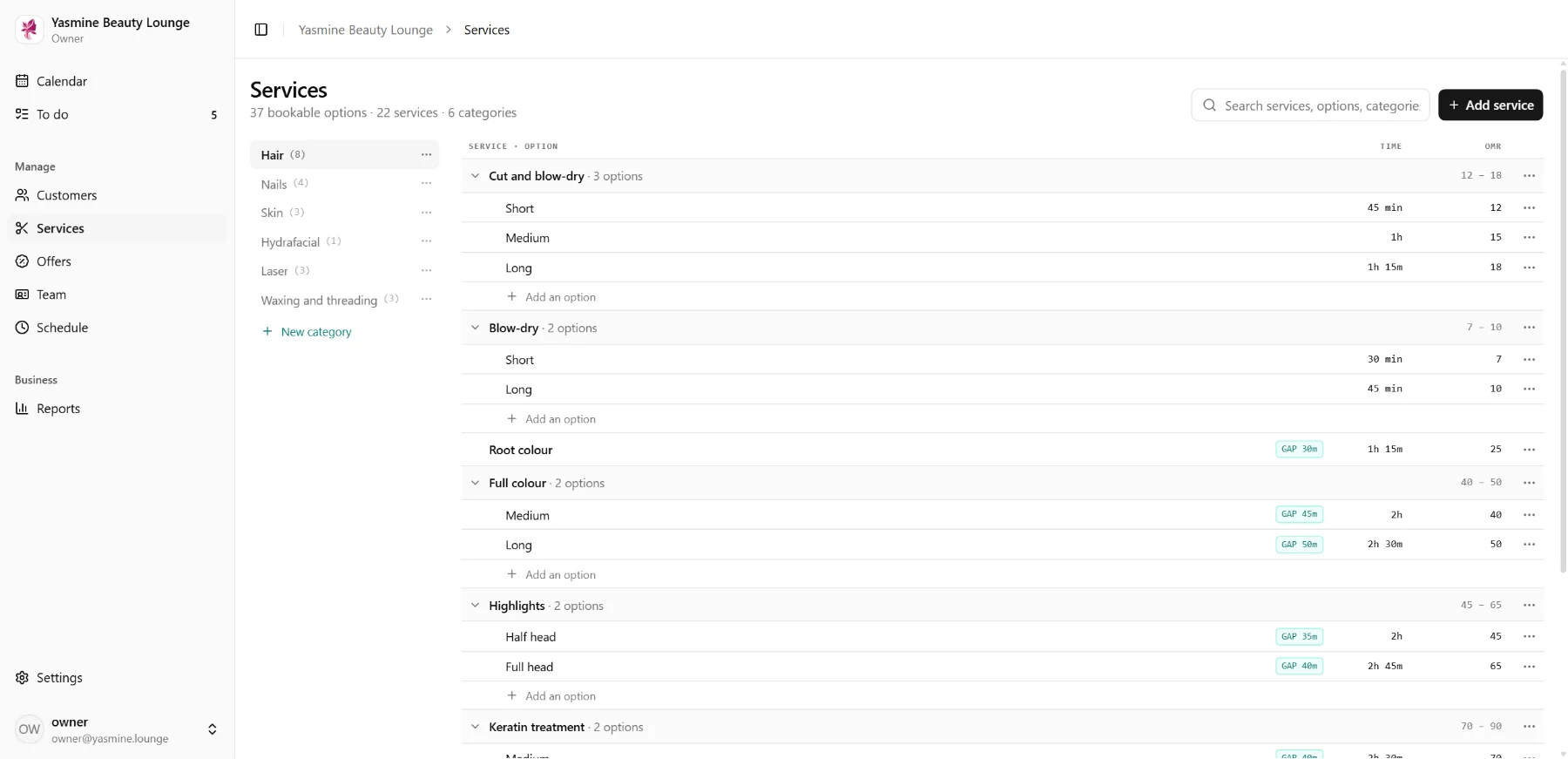
04Services
The menu, prices and durations, in both languages.
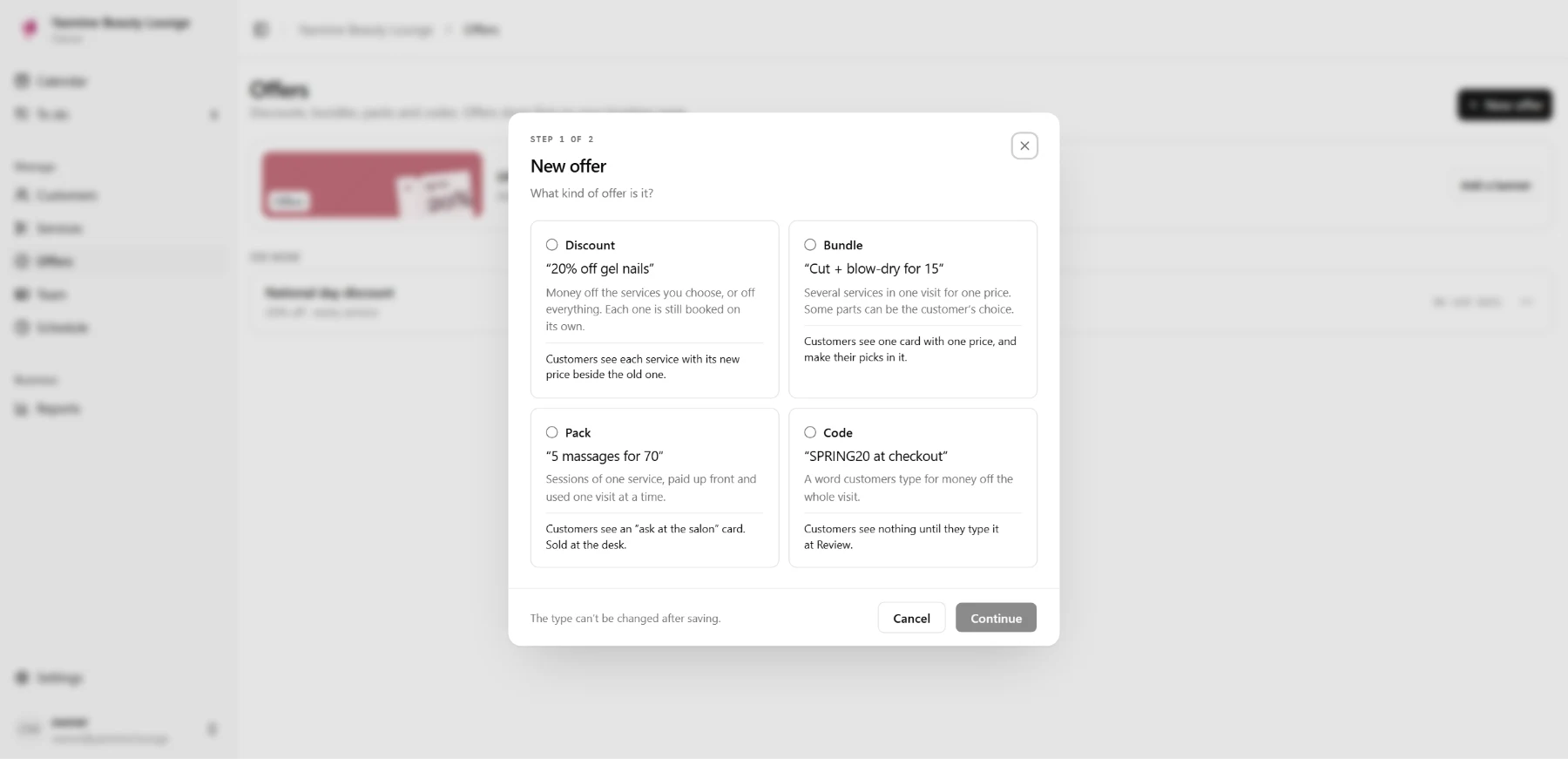
05Offers
Discounts and bundles, each with an end date.
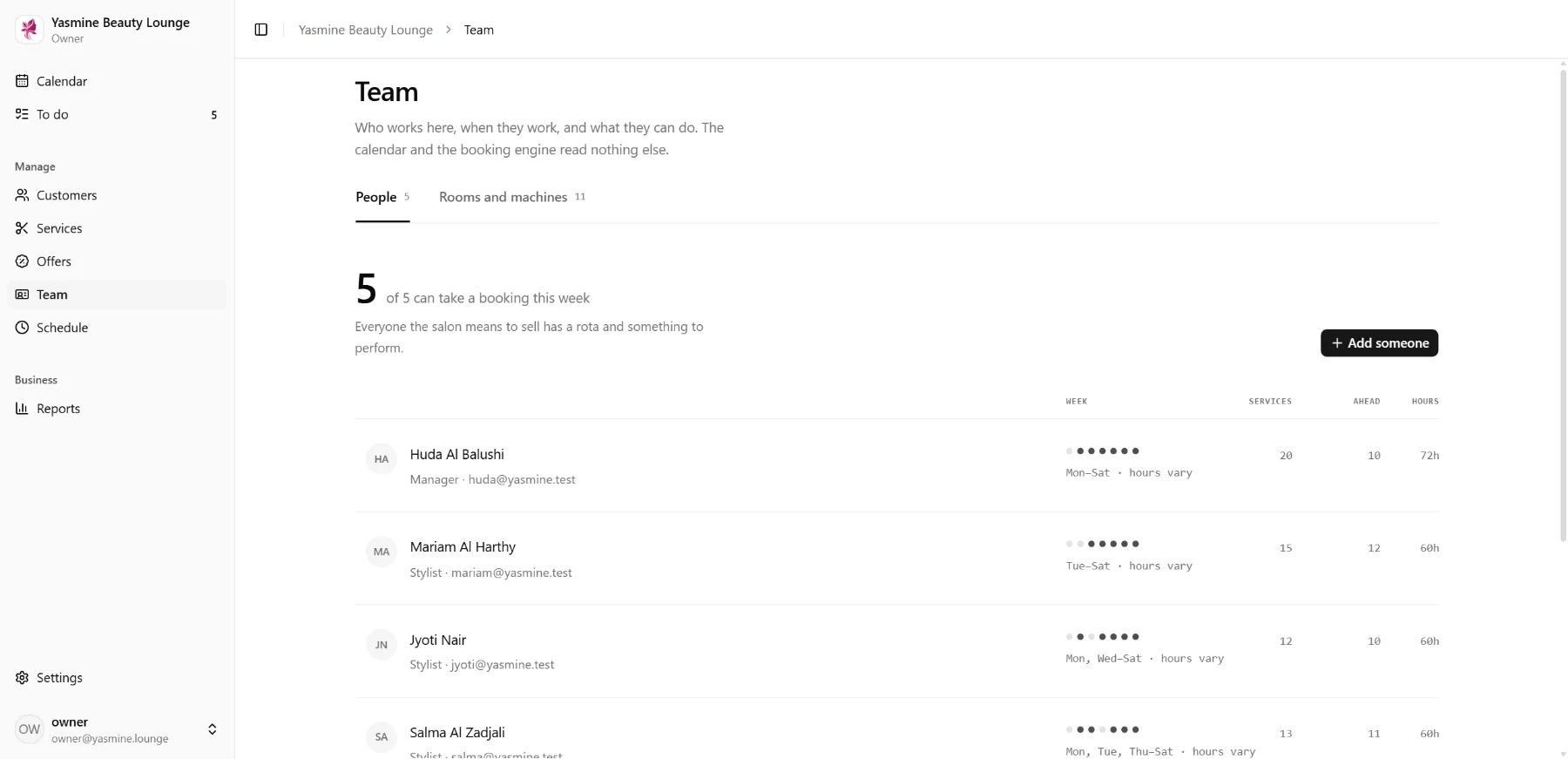
06Team
Who works here, what they can do, and the rooms.
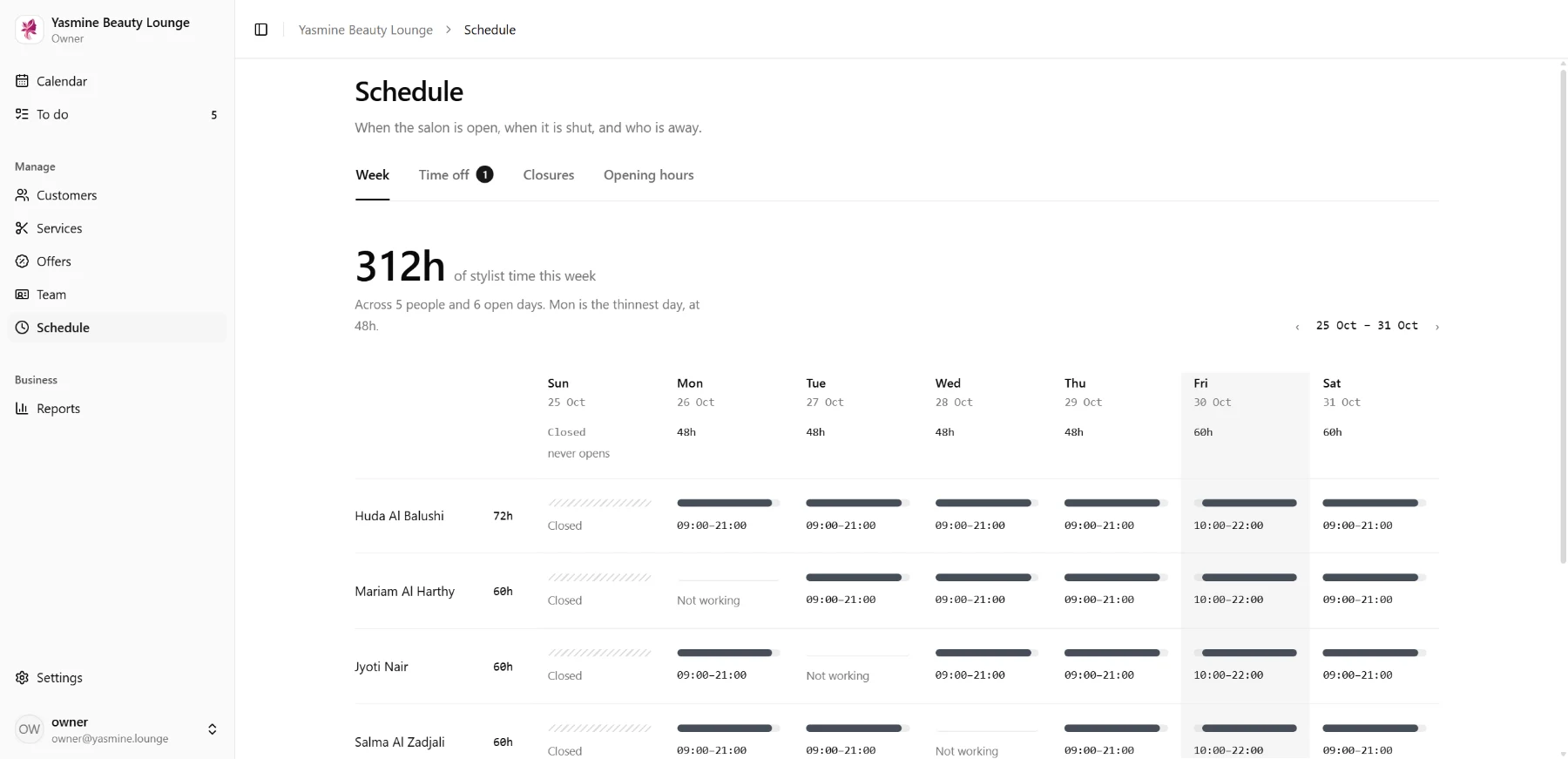
07Schedule
Rotas, time off and closures, week by week.
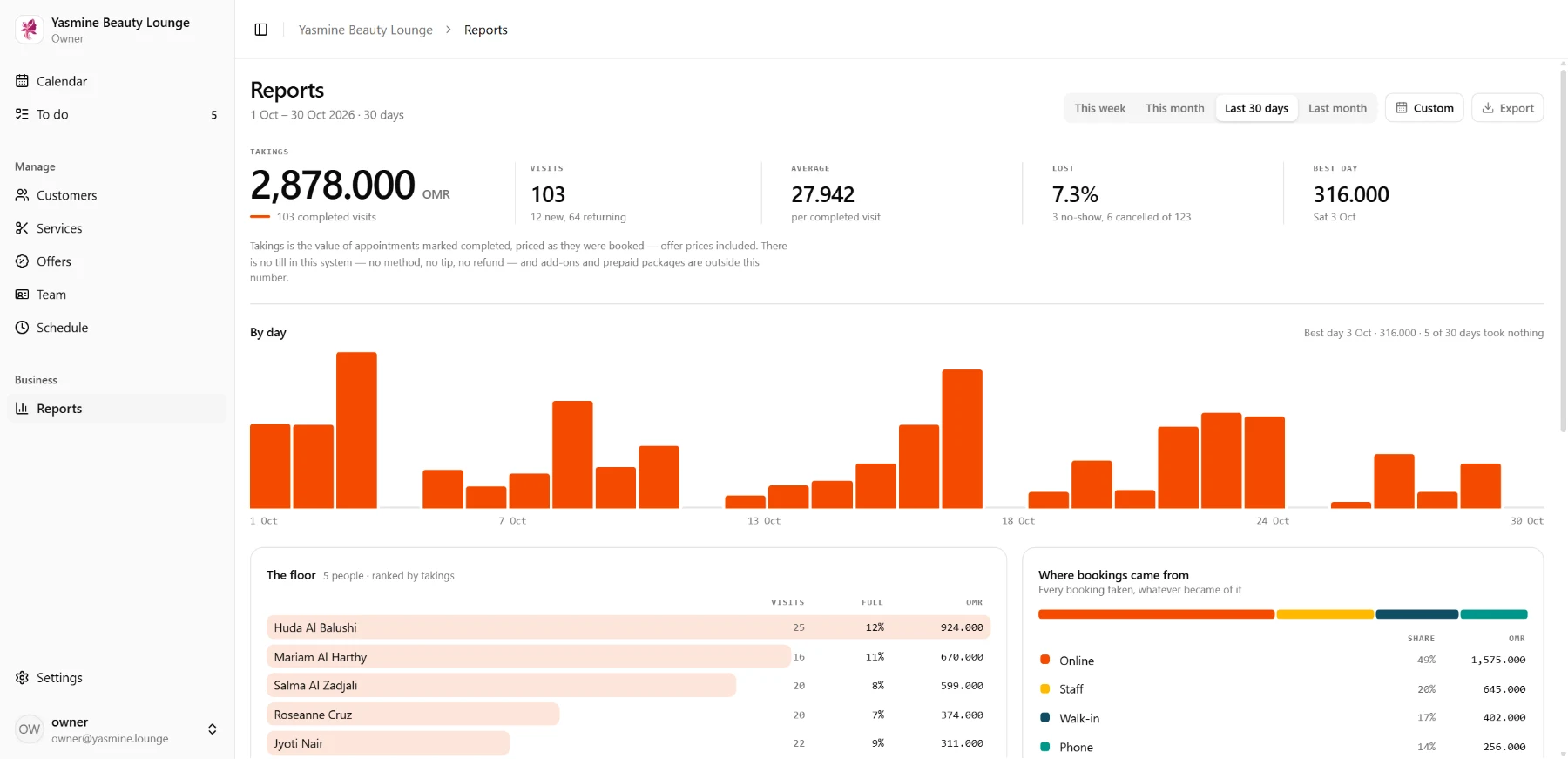
08Reports
What was booked, what earns most, and who is busiest.
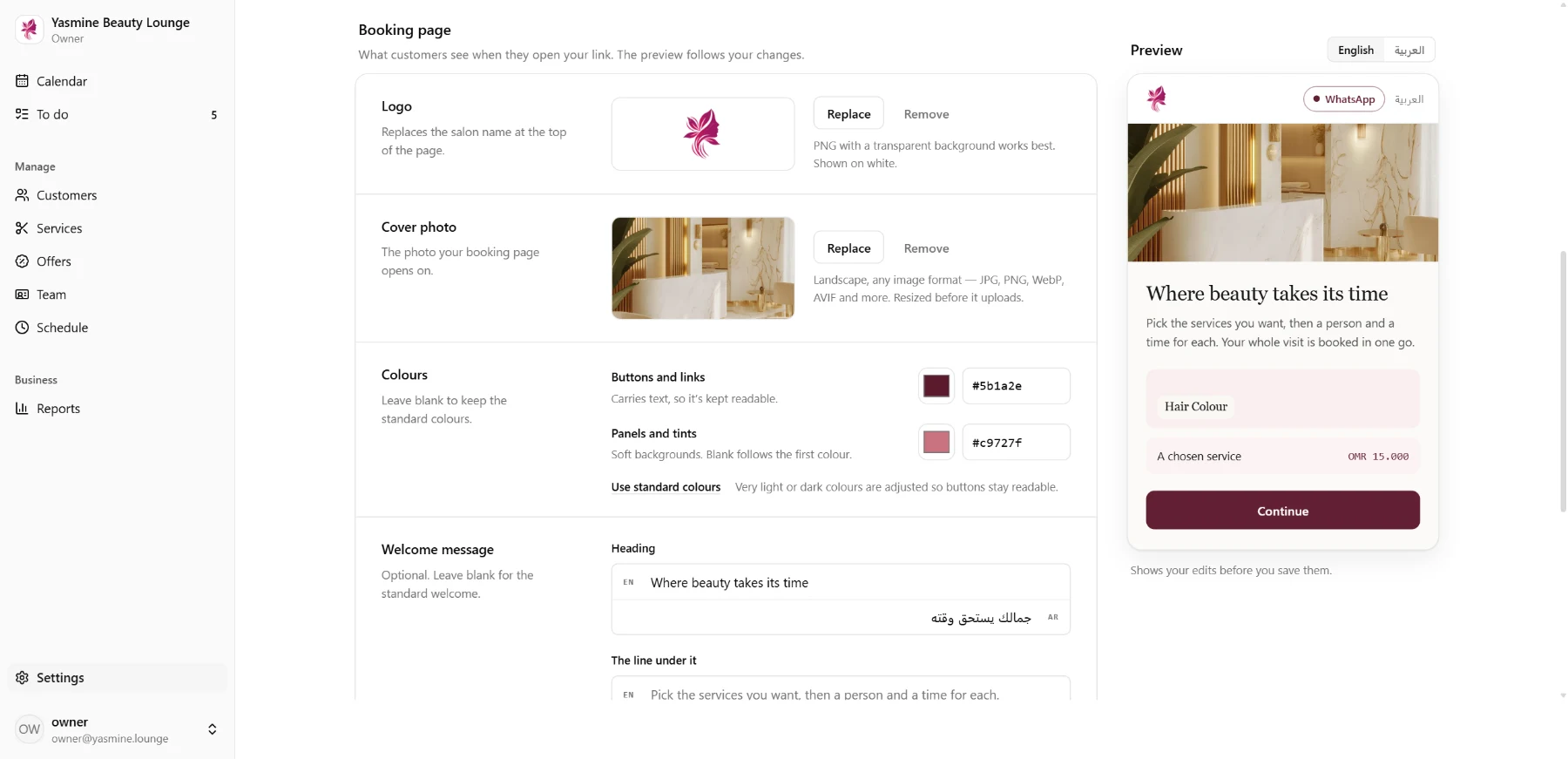
09Settings
Name, colours, logo and the booking page.
See you at your salon.
Tell us about your salon on WhatsApp and we’ll show you around.